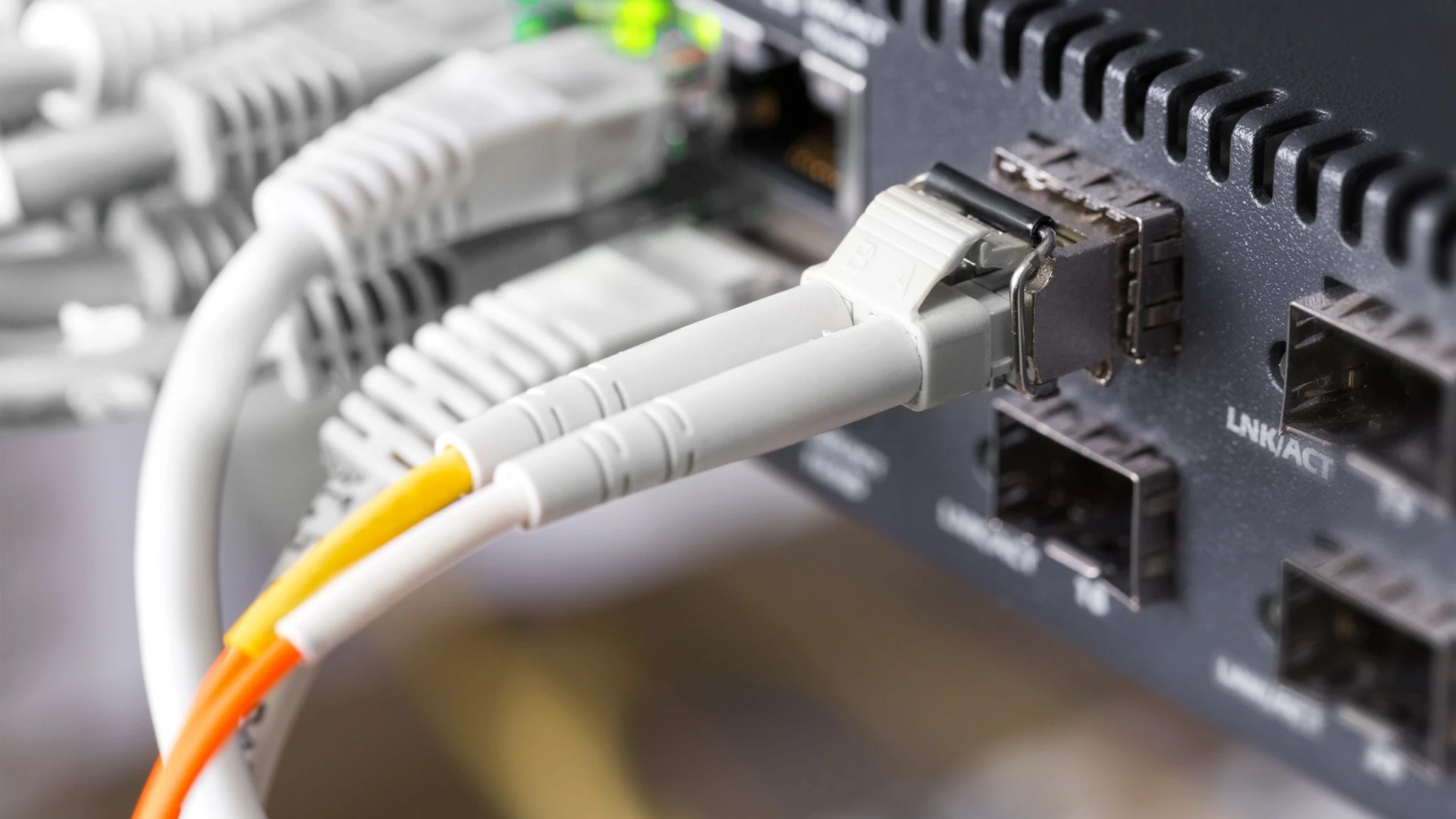
POTS Line Replacement: What Your Office Should Check First
POTS line replacement for an office starts with knowing what each copper phone line carries. It doesn’t start with picking
Technology investments are only as effective as the people who use them. Without proper training and reliable support, employees can struggle with tools, lose productivity, and create risks for your organization.
At O and O Systems, we provide IT training and user support designed to bridge that gap. Our approach focuses on equipping your staff with practical knowledge while ensuring they have access to reliable, ongoing assistance. From onboarding new systems to mastering cybersecurity best practices, we create a culture of confidence and efficiency that empowers your team to succeed.
We design sessions tailored to your systems and business needs, ensuring employees get the most out of your technology.
From troubleshooting software issues to guiding staff through new tools, we provide assistance when it’s needed most.
New employees are quickly brought up to speed with your IT environment, reducing downtime and mistakes.
Protect your business by teaching staff how to identify threats, manage passwords, and stay safe online.
Get help via phone, chat, email, or on-site visits, depending on what’s most convenient for your team.
As technology evolves, we continue to provide refresher courses and updated training so your team stays ahead.
Our structured approach to training and support ensures your team feels confident with technology while always having expert help at their fingertips.
We design training sessions that match your systems, workflows, and team skill levels.
Hands-on, scenario-based sessions help staff apply what they learn directly to their daily tasks.
We provide clear user manuals, FAQs, and video guides to support self-learning.
Our support team is always available to answer questions and resolve user issues quickly.
Continuous learning ensures your staff stays updated on new features, tools, and security practices.
We track training effectiveness and support interactions to continuously improve user experience.
By combining training with dedicated support, O and O Systems helps your staff become confident, capable, and efficient with the tools they rely on daily. The result is a workforce that makes better use of technology, avoids costly mistakes, and feels supported every step of the way.
When your employees are empowered, your entire organization benefits. Partner with us to provide the training and user support your business needs to maximize its IT investment.

(772) 807-7558
Real businesses. Real results. See what our clients have to say about partnering with O and O Systems.
Insights, tips, and tech updates to help you stay secure, productive, and ahead of the curve.

POTS line replacement for an office starts with knowing what each copper phone line carries. It doesn’t start with picking

For an office, the difference that matters in business vs residential internet is what the provider puts in writing, not

A HIPAA risk assessment is a written review of where your electronic patient information lives, what could expose it, how

A written information security plan is the document a tax or accounting practice keeps to show how it protects client

A scam email with no link to click, only a phone number and a reason to call: that’s callback phishing.

An acceptable use policy is the short written set of rules for how your staff may use the company’s accounts,

Under the Florida statute, data breach notification can mean up to three audiences. Those are each affected individual, the Florida

A disaster recovery plan template is a short set of fields a business fills in so its IT can be

A cybersecurity tabletop exercise is a talk-through of a made-up incident, held with the people who would do the responding.

A useful IT audit checklist for a small business is six plain questions, one for each area in the Cybersecurity

A good password policy example fits on one page, and it holds seven plain rules. The National Institute of Standards

Printer security comes down to five questions about a machine that’s easy to treat as furniture: what it keeps after

The short answer to SharePoint vs OneDrive is this. Microsoft’s OneDrive service description says OneDrive is storage for one person’s

The short answer to does a shared mailbox need a license is that the mailbox itself doesn’t, though some uses

The practical answer on browser security for remote employees is to name who sets up and checks the work browser

Microsoft’s Windows Server release information page lists January 12, 2027 as the extended support end date for Windows Server 2016.
AI makes us faster, and our technicians make us dependable. By combining smart automation with human expertise, we deliver IT solutions that are both efficient and trustworthy. Whether you’re looking to solve an immediate problem or plan for long-term growth, our team is here to guide you every step of the way. Reach out today for a quick conversation and see how easy IT can be.
Tell us a little about your needs, and we’ll be in touch soon.
Proudly supporting businesses throughout the Treasure Coast and across Florida with reliable IT solutions.