POTS Line Replacement: What Your Office Should Check First
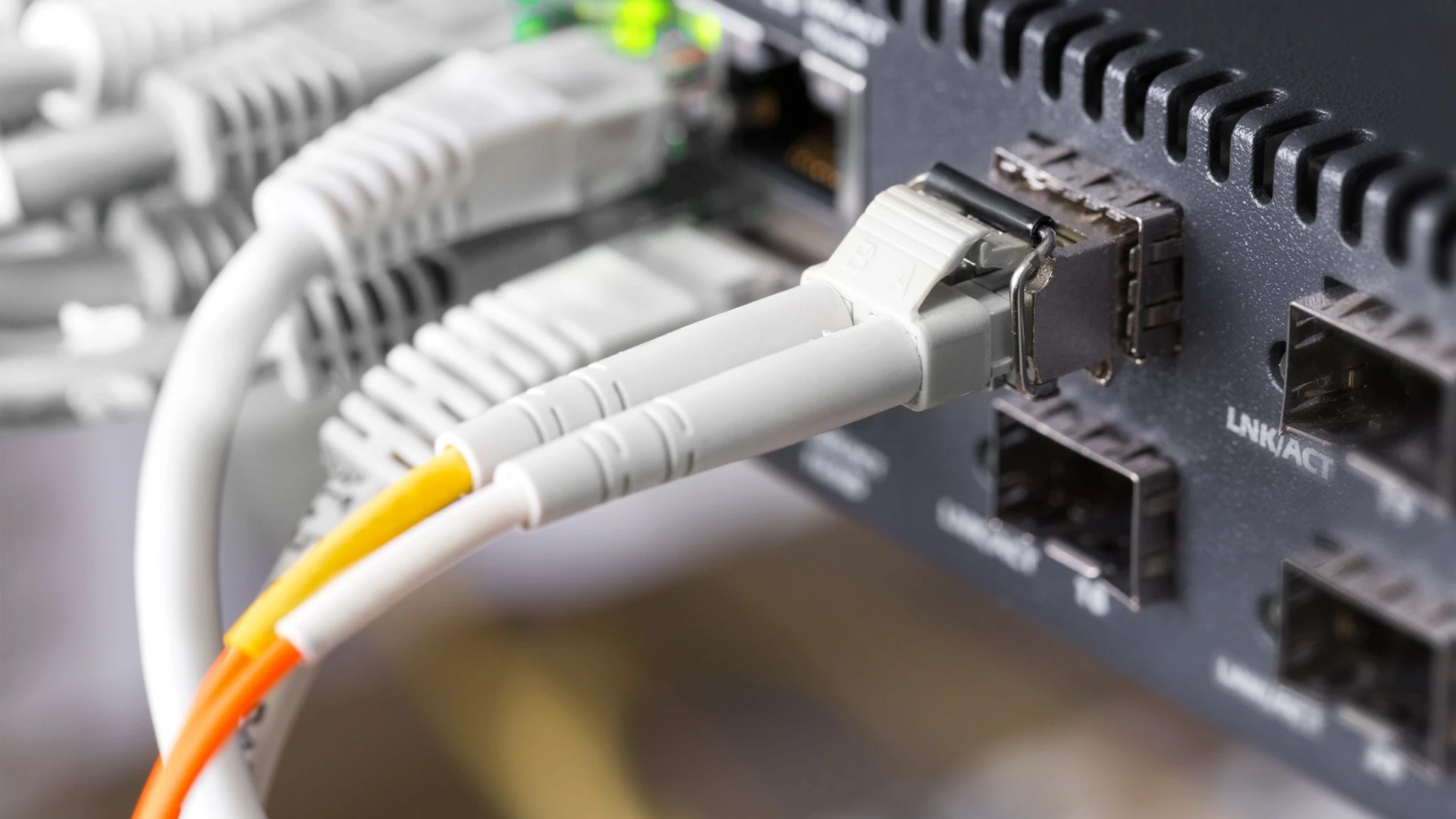
POTS line replacement for an office starts with knowing what each copper phone line carries. It doesn’t start with picking
When your computers fail, productivity grinds to a halt. That’s why having a trusted IT partner who can show up onsite makes all the difference. From hardware failures and software crashes to virus removals and system tune-ups, we deliver expert repair services directly at your location.
At O and O Systems, we go beyond simple fixes. We identify the root cause of issues to prevent repeat breakdowns and ensure your systems remain reliable. Our goal is to minimize downtime, extend the life of your equipment, and keep your team focused on what matters most. With a local presence and experienced technicians, we respond quickly when you need us most. Every service call is handled with care, ensuring your technology gets back to peak performance with minimal disruption.
From faulty hard drives to broken components, we quickly identify and fix hardware problems.
We clean infected systems and install protection to prevent future cyberattacks.
Improve performance by eliminating unnecessary processes, updating software, and optimizing configurations.
Printers, scanners, and other devices are properly installed and configured for reliable use.
Protection of critical information and data while we work, ensuring no data is lost.
Our technicians come directly to your location, minimizing disruption to your team’s workday.
Our approach to onsite computer repair is built on six core pillars, ensuring dependable fixes and lasting results.
Quick scheduling and dispatch to reduce costly downtime.
Thorough testing to identify the true cause of problems.
Using trusted tools and certified parts for long-term reliability.
Addressing underlying issues to reduce repeat failures.
Tailored solutions for your specific hardware and business setup.
Follow-up care and recommendations to keep systems running smoothly.
Technical issues don’t wait for a convenient time, and when they happen, you need more than just remote help. O and O Systems provides professional onsite repair services that keep your technology up and running when it matters most.
From small offices to growing organizations, we deliver hands-on support that restores confidence and minimizes disruption. Partner with us for a fast, reliable, and people-first approach to computer repair.

(772) 807-7558
Real businesses. Real results. See what our clients have to say about partnering with O and O Systems.
Insights, tips, and tech updates to help you stay secure, productive, and ahead of the curve.

POTS line replacement for an office starts with knowing what each copper phone line carries. It doesn’t start with picking

For an office, the difference that matters in business vs residential internet is what the provider puts in writing, not

A HIPAA risk assessment is a written review of where your electronic patient information lives, what could expose it, how

A written information security plan is the document a tax or accounting practice keeps to show how it protects client

A scam email with no link to click, only a phone number and a reason to call: that’s callback phishing.

An acceptable use policy is the short written set of rules for how your staff may use the company’s accounts,

Under the Florida statute, data breach notification can mean up to three audiences. Those are each affected individual, the Florida

A disaster recovery plan template is a short set of fields a business fills in so its IT can be

A cybersecurity tabletop exercise is a talk-through of a made-up incident, held with the people who would do the responding.

A useful IT audit checklist for a small business is six plain questions, one for each area in the Cybersecurity

A good password policy example fits on one page, and it holds seven plain rules. The National Institute of Standards

Printer security comes down to five questions about a machine that’s easy to treat as furniture: what it keeps after

The short answer to SharePoint vs OneDrive is this. Microsoft’s OneDrive service description says OneDrive is storage for one person’s

The short answer to does a shared mailbox need a license is that the mailbox itself doesn’t, though some uses

The practical answer on browser security for remote employees is to name who sets up and checks the work browser
Microsoft’s Windows Server release information page lists January 12, 2027 as the extended support end date for Windows Server 2016.
AI makes us faster, and our technicians make us dependable. By combining smart automation with human expertise, we deliver IT solutions that are both efficient and trustworthy. Whether you’re looking to solve an immediate problem or plan for long-term growth, our team is here to guide you every step of the way. Reach out today for a quick conversation and see how easy IT can be.
Tell us a little about your needs, and we’ll be in touch soon.
Proudly supporting businesses throughout the Treasure Coast and across Florida with reliable IT solutions.